How to track your habits with ChatGPT
Connect ChatGPT to a real habit tracker in a minute, then log habits, check streaks and add todos by chat or voice.
4 min read
Why track habits through ChatGPT
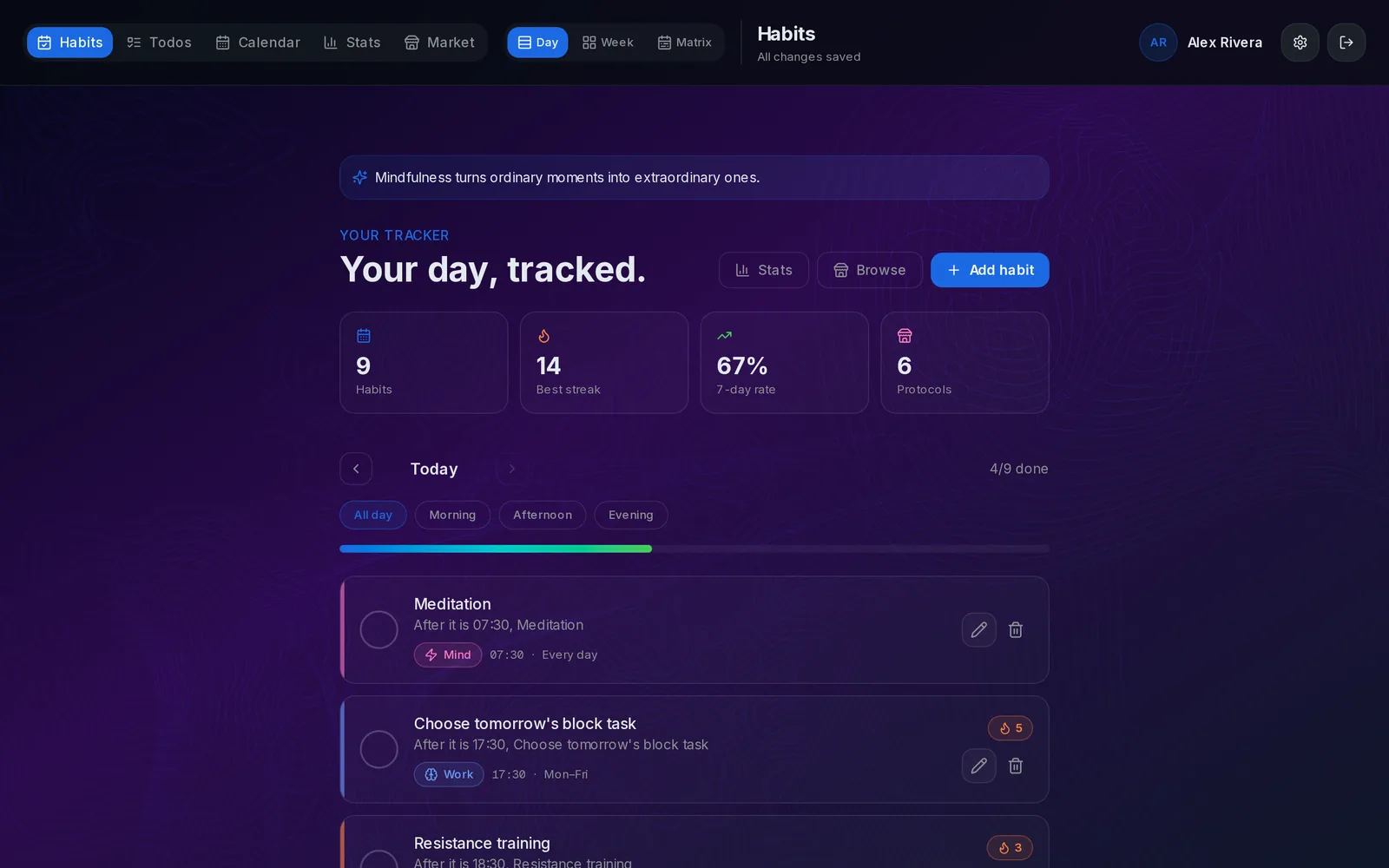
Most habit trackers fail on friction: opening the app, finding the habit, tapping the box. ChatGPT removes that step. You say "mark meditation done" in the chat you already have open, and the tracker records it with the date, the streak and the completion rate.
ChatGPT doesn't store your habits itself. It talks to Liberture through a connector (an MCP server), so your history stays in one place and works the same from ChatGPT, Claude or the web app.
Step 1: Create your tracker
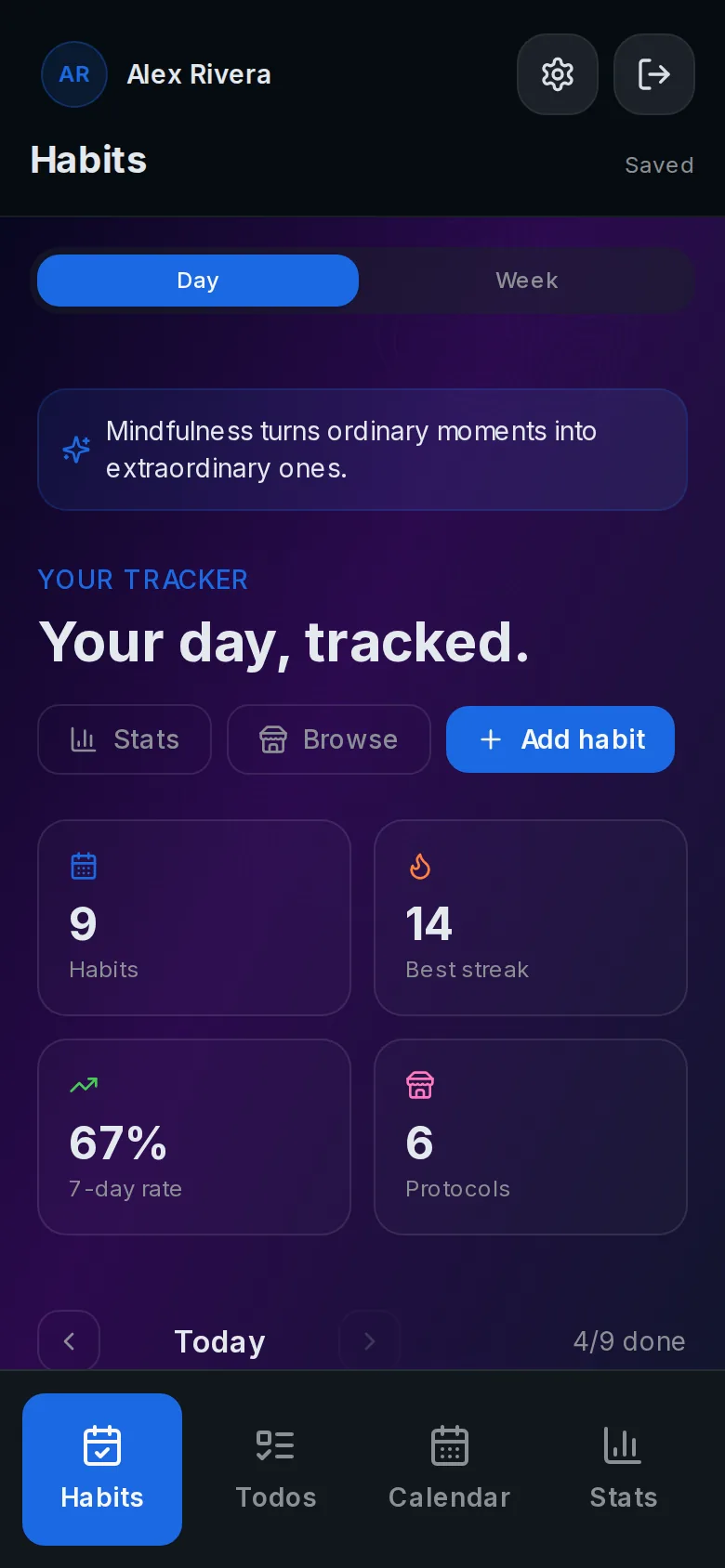
Open the tracker and create an account. There's no email or password: your Nostr key is your account, so save it when it's shown. Add a habit or two, or a whole protocol from the catalog. Those are what ChatGPT will talk about.
Step 2: Add Liberture to ChatGPT
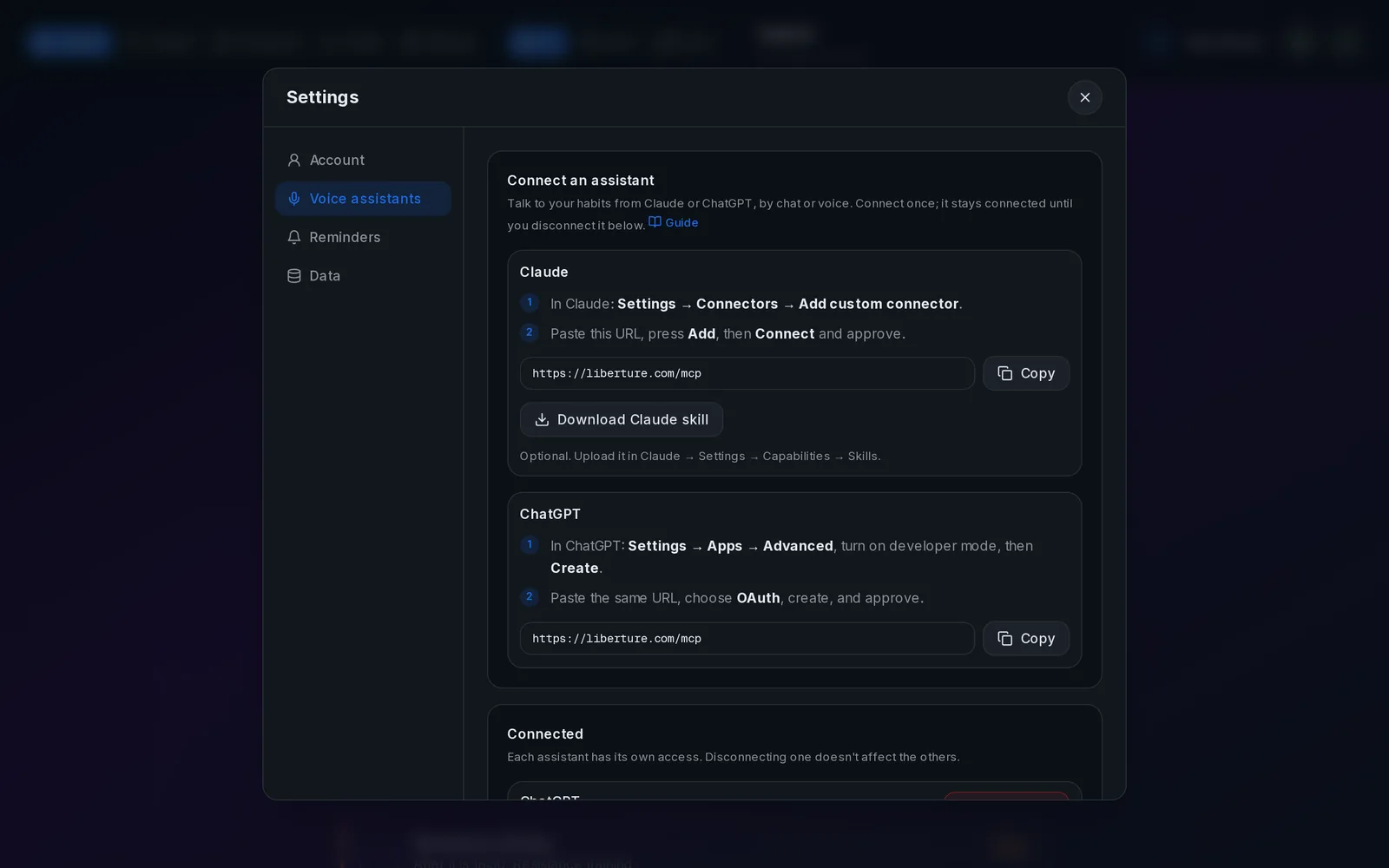
In ChatGPT, open Settings → Apps → Advanced and turn on developer mode, then press Create. Name the app "Liberture", paste https://liberture.com/mcp as the URL and choose OAuth.
ChatGPT opens Liberture in a new window: sign in if asked and press Approve. You do this once. The same URL and steps are always in the tracker under Settings → Voice assistants.
Step 3: Talk to it
Open a chat, enable Liberture from the tools menu and ask "what's left today?". When ChatGPT asks for permission to use a tool, choose Always allow so voice mode never stops to confirm.
- What's left today?
- Mark meditation done.
- I skipped the walk yesterday, undo it.
- How did this week go compared to last?
- Add running as a daily habit.
What it changes in your tracker
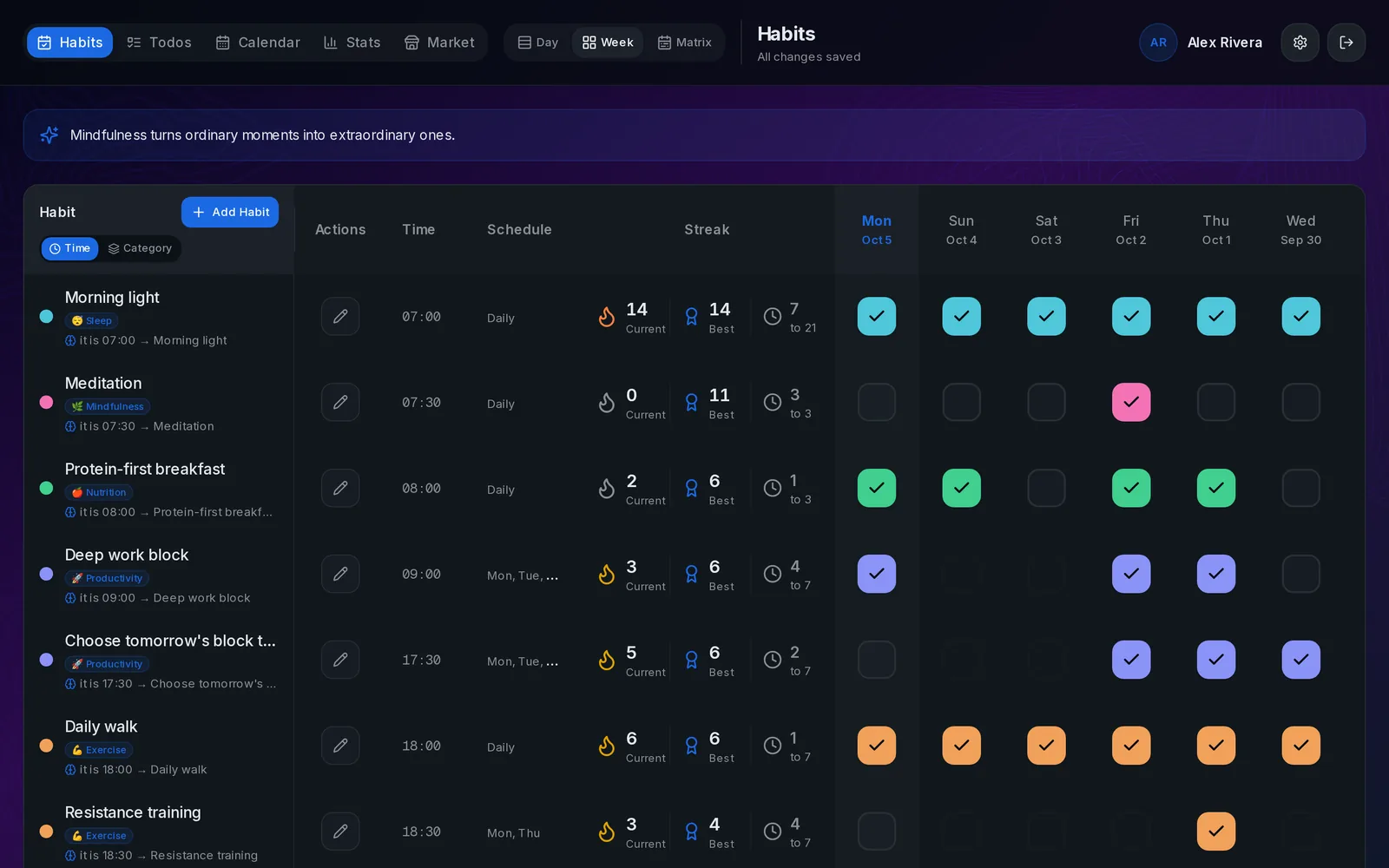
Every change shows up in the open tracker within a second, on desktop and on your phone, no reload needed. Days you log after the fact ("I ran yesterday") count in your streaks and statistics just like days you ticked on time.
If something doesn't work
If ChatGPT asks you to sign in again, the connection was removed or you signed in with a different key: approve it again. If it says an action is switched off, that permission is disabled in Settings → Voice assistants.
Related guides
How to connect Claude to your habit tracker
One custom connector and Claude can log your habits, read your stats and suggest protocols, in chat or by voice.
Log habits by voice with ChatGPT or Claude
Hands-free habit tracking: say it out loud while you make coffee, and the tracker updates instantly.
Control what your AI assistant can see and do
Eight switches decide what connected assistants may do. Deleting habits is off until you turn it on.